
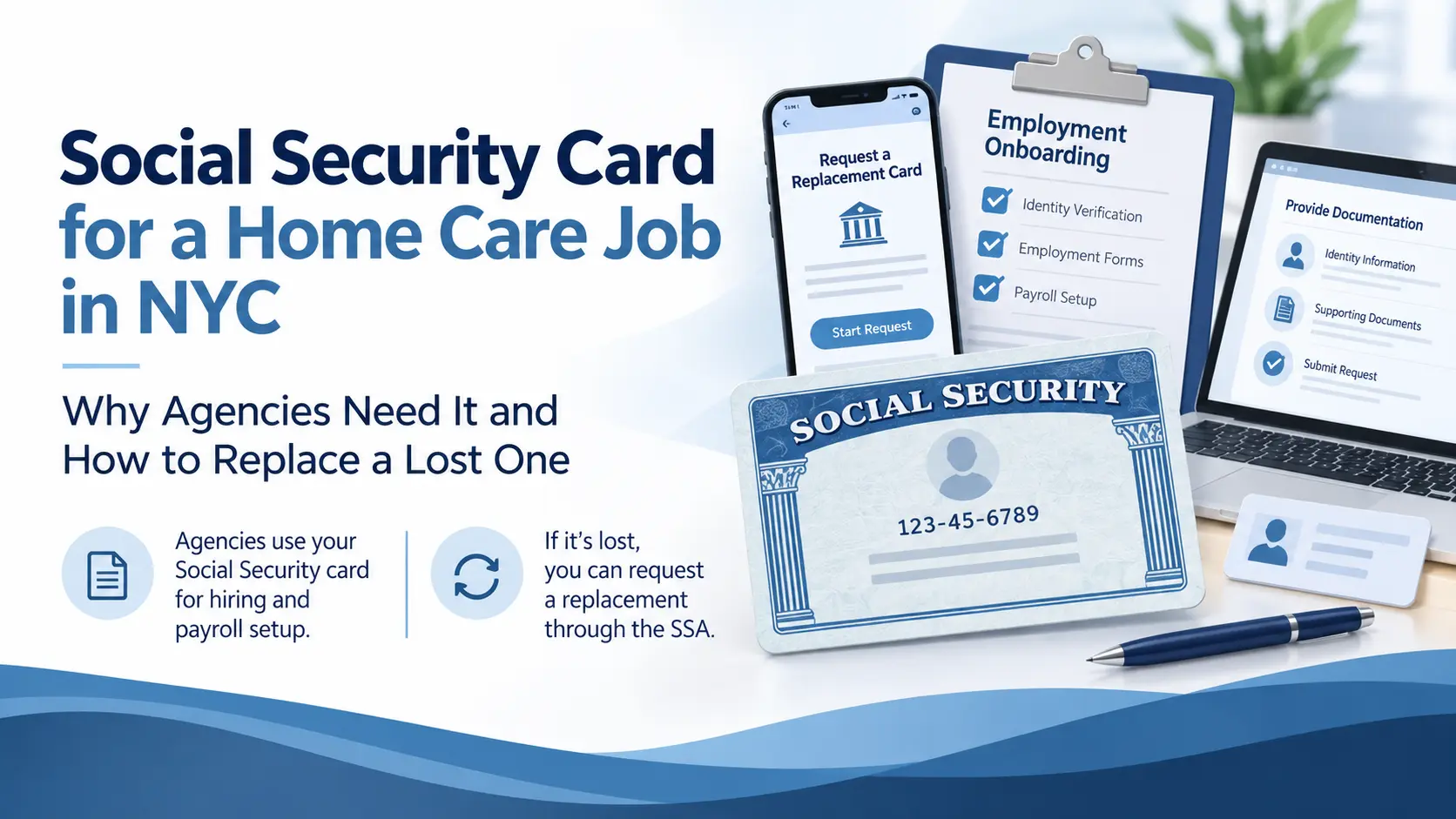
Social Security Card for a Home Care Job in NYC: Why Agencies Need It and How to Replace a Lost One
Small card, big holdup. Many caregivers stall here because the card is lost, unsigned or photographed on one side only. Here is what HR needs and the fastest way to get it.
Upload a clear photo of the front and back of your Social Security card, signed on the front signature line. The agency needs it for payroll and tax reporting and, together with a photo ID, for the federal I-9. If it is lost, a replacement is free: most people can request one online with a my Social Security account, or by visiting a Social Security office; the new card arrives by mail, usually within a couple of weeks. Upload it in the Caregiver Portal.
Why the Agency Needs It
Your wages are reported to the IRS and to New York State under your Social Security number, so payroll cannot be set up without it. The card is also one of the documents that proves work authorization on the federal I-9 when paired with a photo ID such as a New York driver’s license or state ID. Agencies ask for the physical card, not just the number, because employment rules require seeing the document itself.
What Works and What Does Not
Sign the front in ink if you have not already; photograph both sides so the full card is visible.
A card marked “valid for work only with DHS authorization” is fine together with your current work permit or green card; “not valid for employment” cards need a different work-authorization document.
The name on the card should match your ID and certificate. Update it with the Social Security Administration first if you married or changed your name.
Heavily laminated or torn cards can be rejected; request a replacement.
Replacing a Lost Card
- Online. With a my Social Security account, most U.S. citizens and many permanent residents can request a replacement at ssa.gov without visiting an office; you need a valid driver’s license or state ID.
- In person. Social Security has field offices in every borough, including several in Brooklyn, the Bronx and Queens; check ssa.gov for the nearest one and current appointment rules. Bring an original ID and, if applicable, your immigration document.
- Cost and timing. Replacement cards are free. Delivery is by mail and generally takes a few weeks, so start this early; you can create your portal account and upload the other documents while you wait.
Upload It Once
Use the secure upload page from your Caregiver Portal account. The portal only records that the card was received; the file goes to HR. Previous document: government ID. Next: your HHA or PCA certificate. Full list: the 9 documents.
Frequently Asked Questions
Can I start working while my replacement card is in the mail?
Ask HR; federal rules allow a receipt for a replacement in some cases, and other documents can cover the I-9 in the meantime.
Is it enough to know my number?
No. The agency must see the card itself for employment paperwork.
Why sign the card?
The signature line is part of the document; an unsigned card is a common reason HR asks for a re-upload.
How much does a replacement cost?
Nothing. The Social Security Administration issues replacements free of charge.
My card says “valid for work only with DHS authorization.” Is that a problem?
Not with a current work permit or green card alongside it.
Where does the upload go?
Straight to our HR team by secure email; it is never displayed on the website.
Upload Your Social Security Card
Signed, front and back, in the Caregiver Portal. Then keep going: the certificate is next.
Open the Caregiver PortalCall 718-375-2707